
Clips in one step
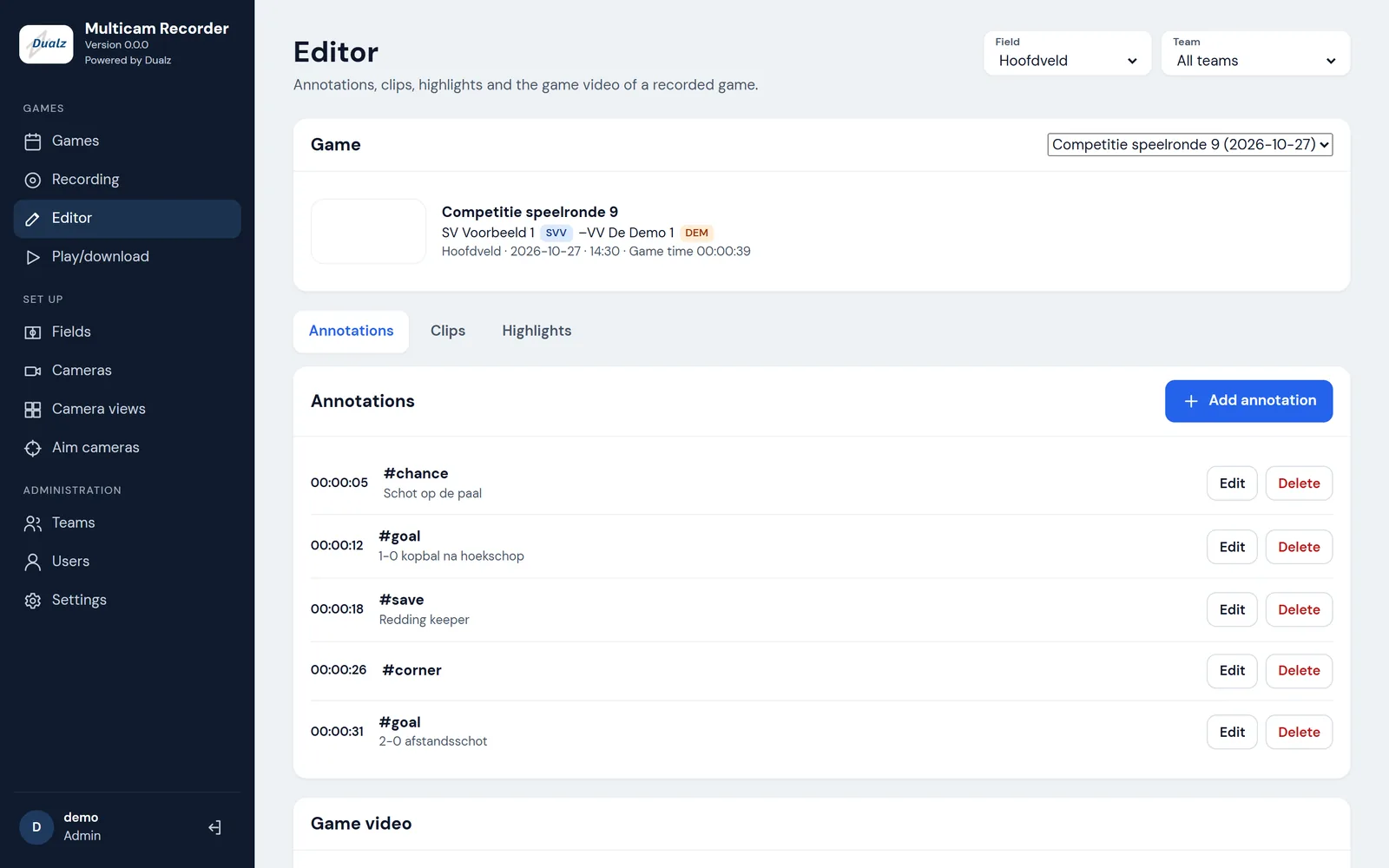
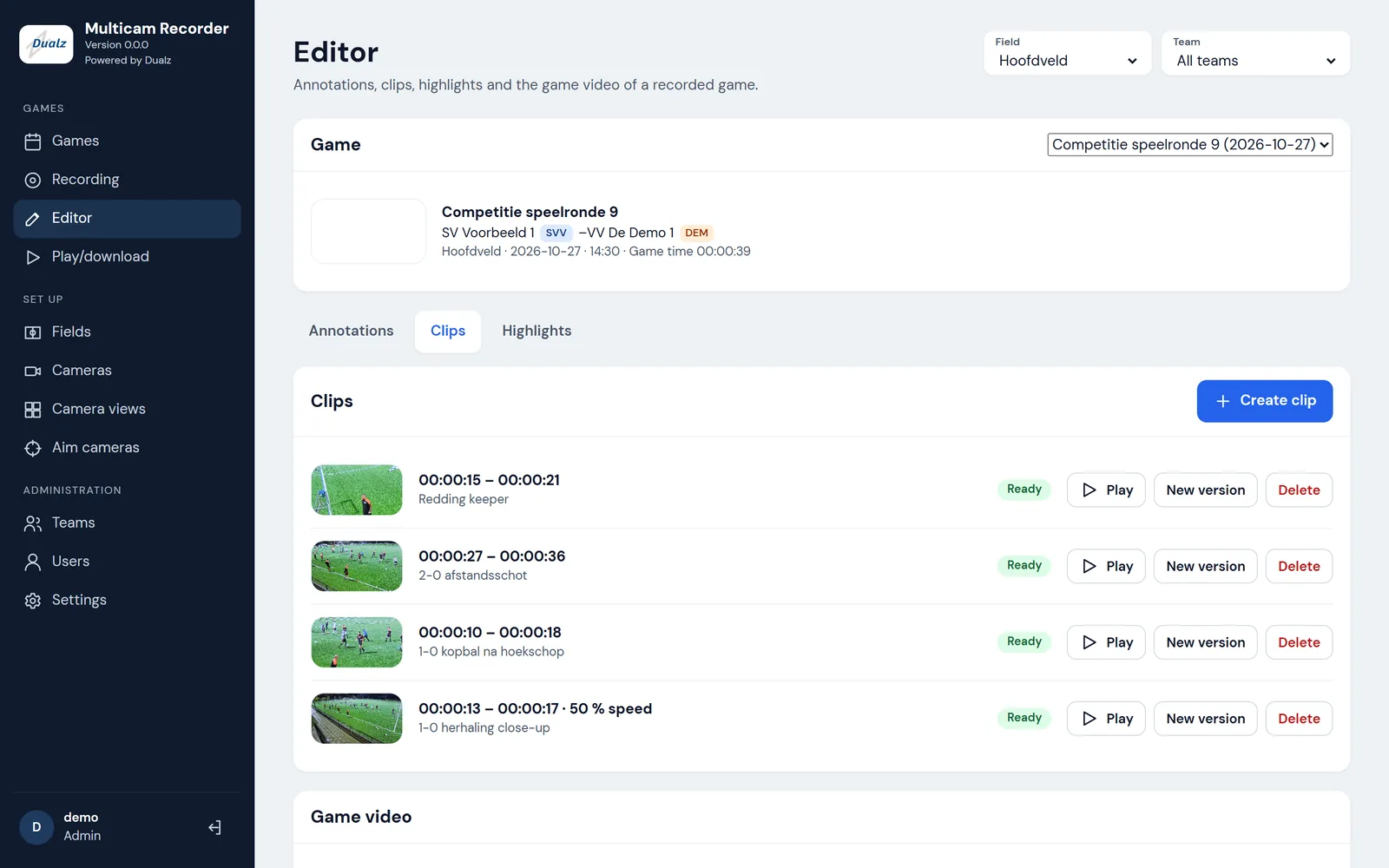
Turn a marked moment into a clip: it starts 30 seconds before and ends 20 seconds after the moment.
How it works
Your own cameras on the field, your own server at the club, one click on match day, and highlights with close-ups and replays after the whistle.
The cameras
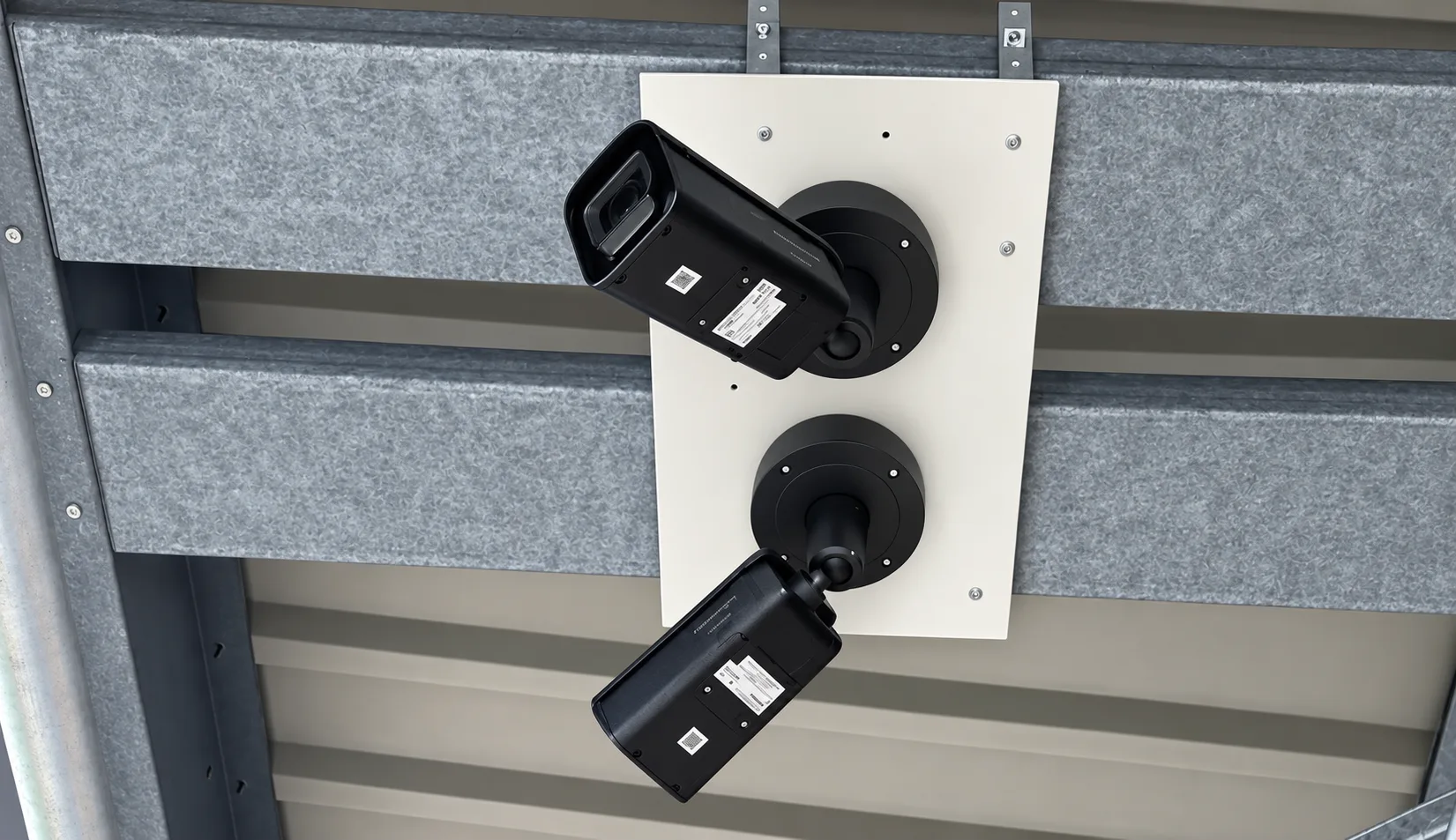
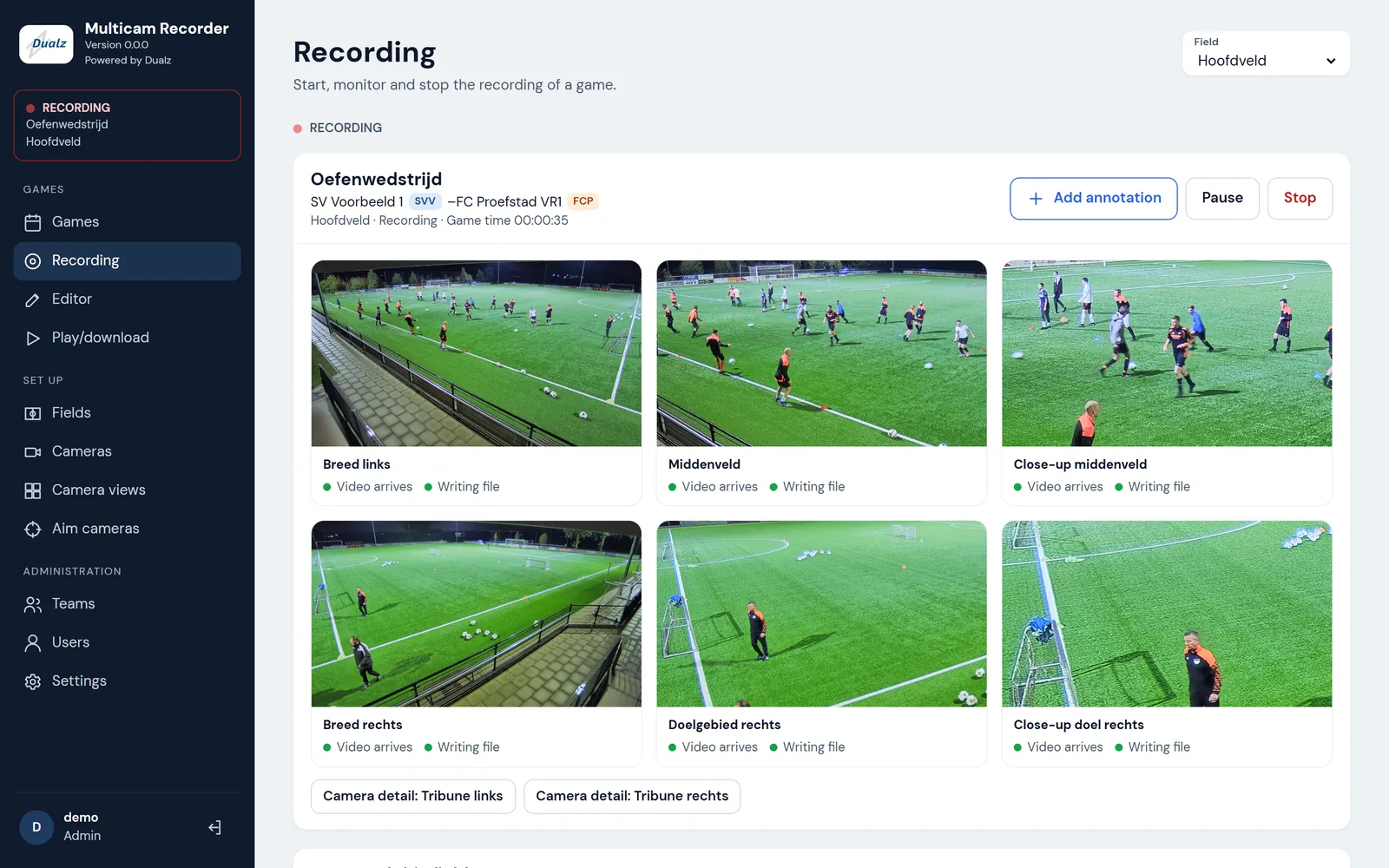
Fixed IP cameras on your own field record the whole match. You choose the cameras and where they hang: any IP camera that sends H.264 video in 4K over RTSP can be added, up to 8 per server. A typical field has 2, at the midline: together they see the whole field. For a truly professional recording, add close-up cameras at the goals, so every action in front of goal is caught up close.
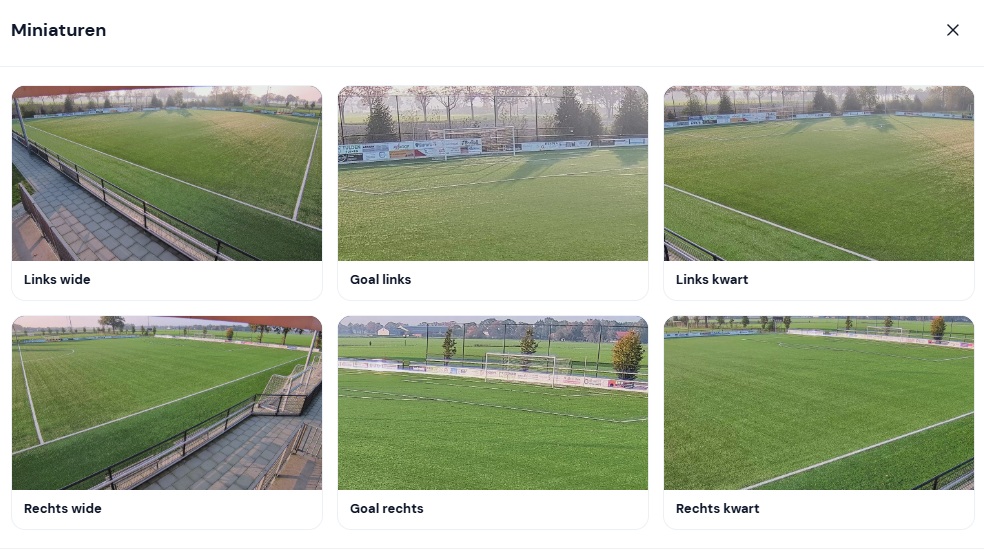
Each camera is cropped into several camera views, and every view is Full HD. A view can be the whole image, or a half, a quarter or an eighth of its width, such as the goal area: a close-up. Several camera positions around the field each have their own views.
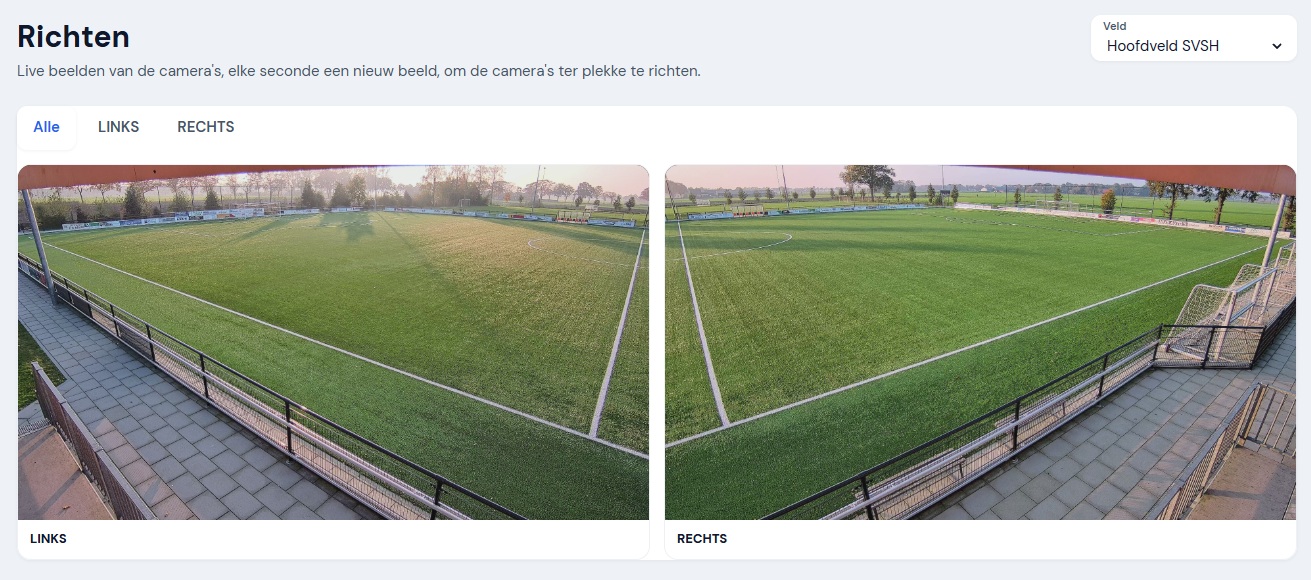
Aim the cameras with a phone: stand next to the camera and watch its image while you turn it.
The server
Match day
After the whistle
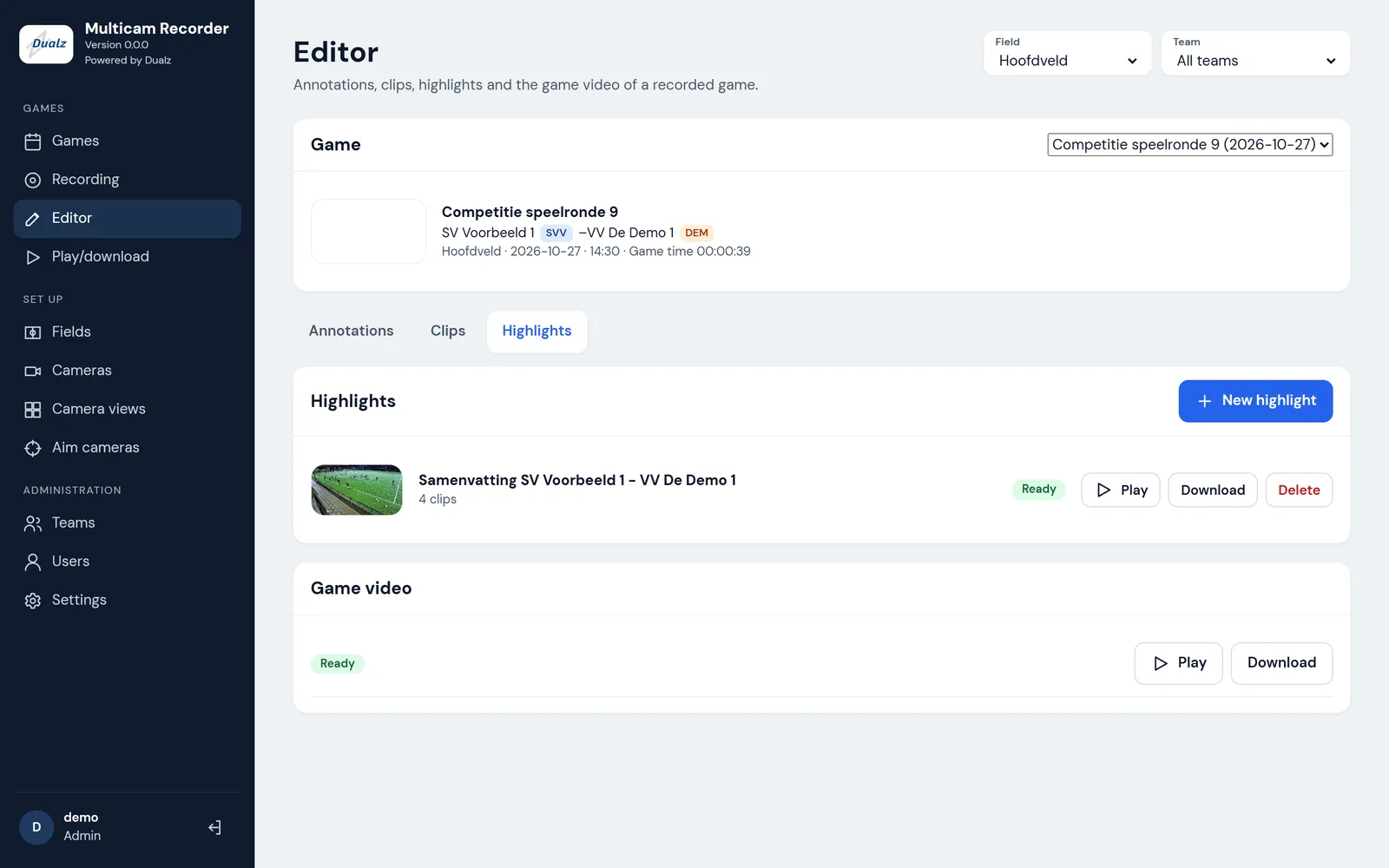
Turn a marked moment into a clip: it starts 30 seconds before and ends 20 seconds after the moment.
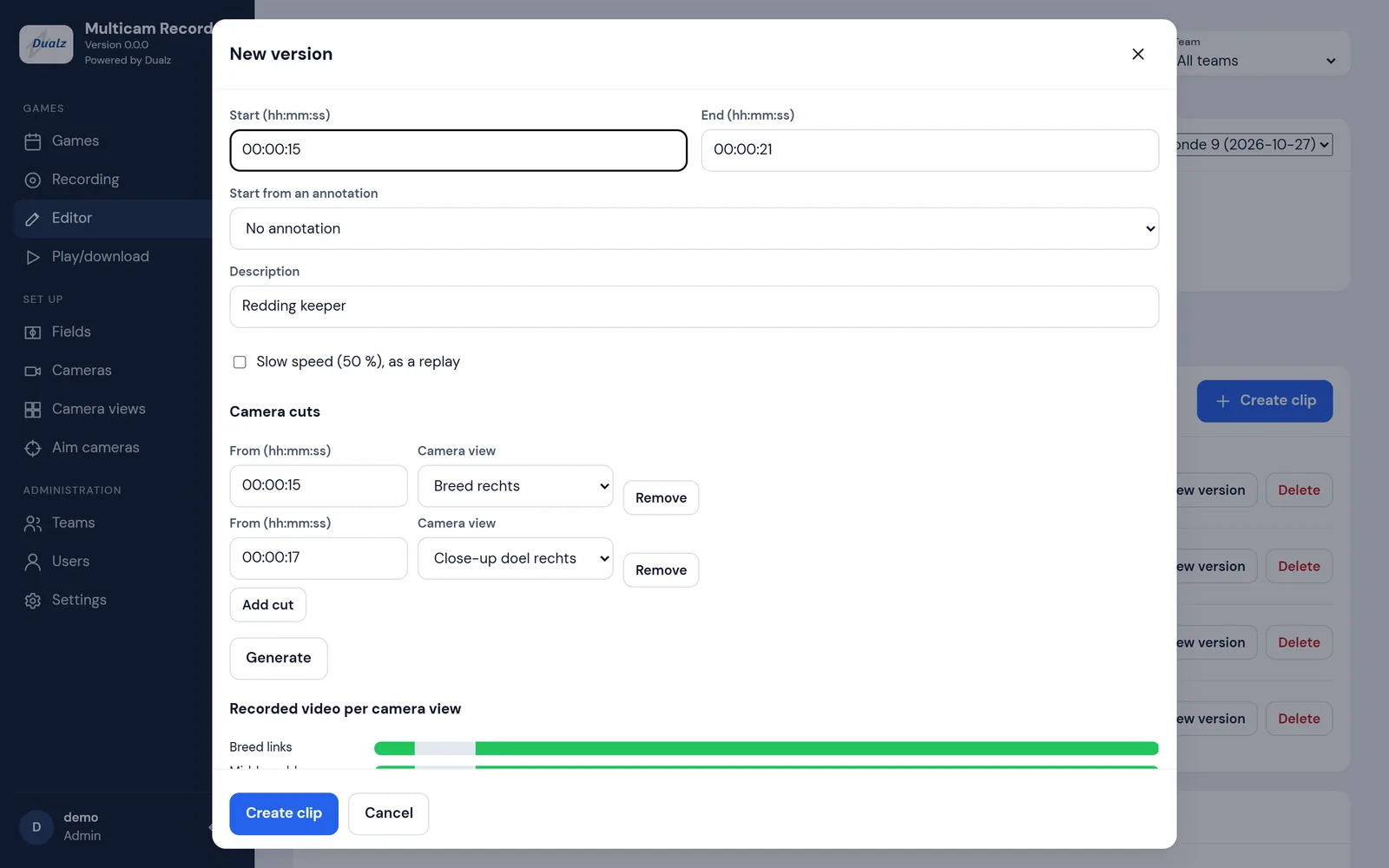
A clip can switch between camera views as it plays: from the wide view to the goal area to the close-up.
A clip can play at half speed, as a replay.
Combine clips into a highlight video.
One video of the whole match shows two wide views on top and up to four other views below.
Every highlight and match video starts with an intro and carries a small logo in the corner: your club’s own, or the Dualz ones. Your club can also have an outro and a logo transition between clips. Dualz sets up these branding files for you.
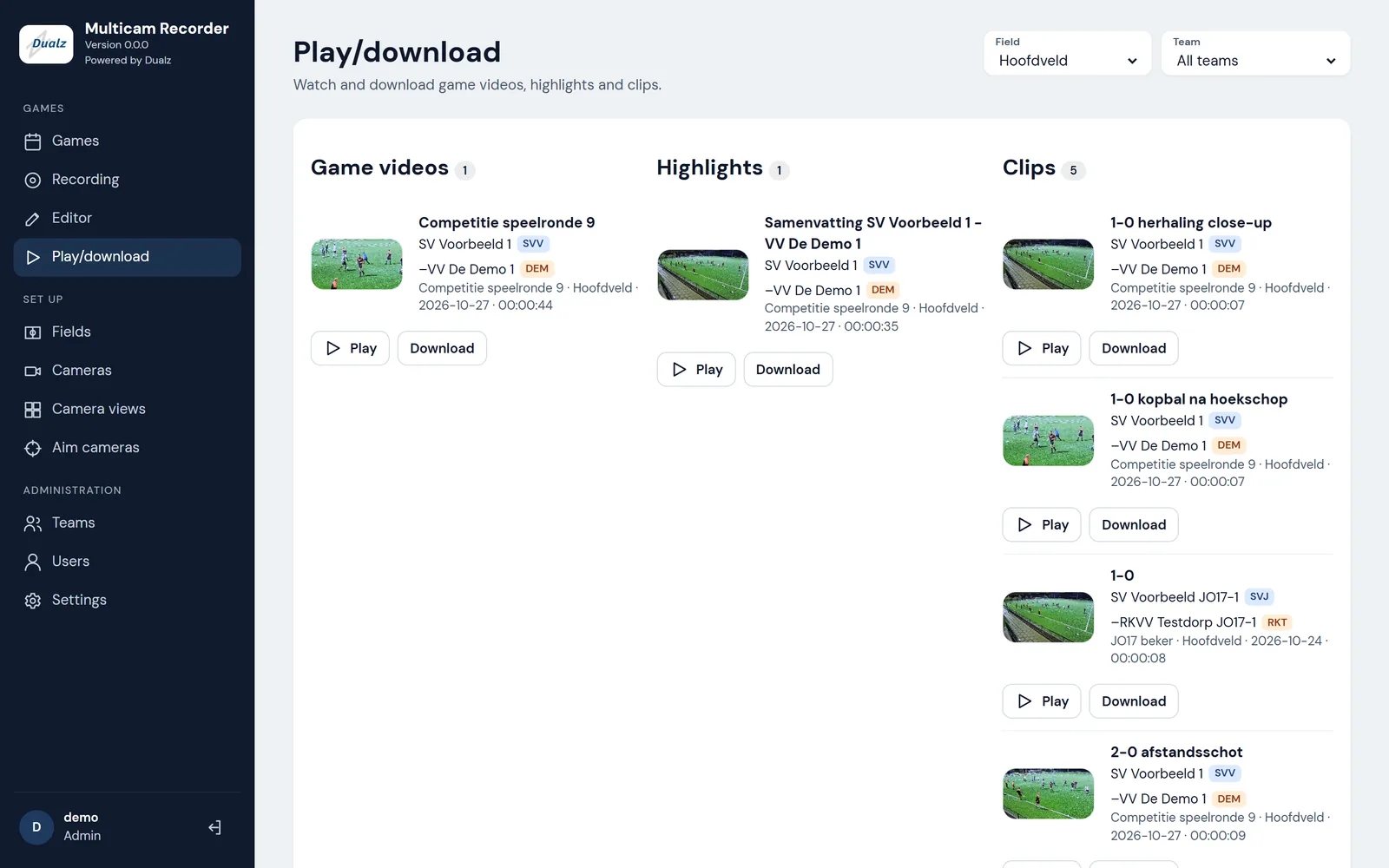
Watch and download clips, highlights and match videos in the browser.
The team
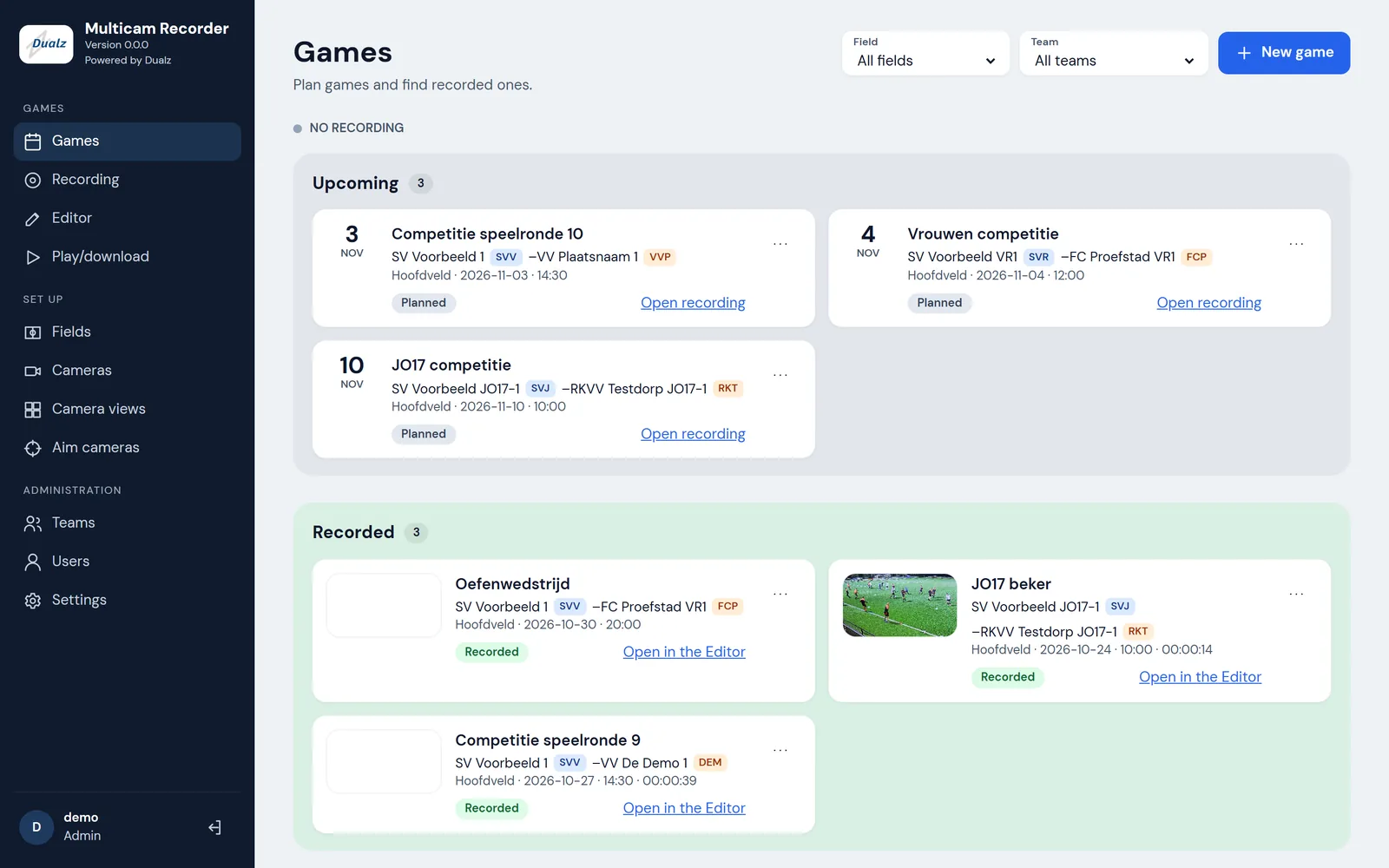
Volunteers and coaches plan and record matches and make clips.
Admins also set up fields, cameras and users.
The interface is in English and Dutch.
Technical fit
Always ready at your club, with highlights after every match.